Lorem ipsum dolor sit amet, consectetur adipiscing elit. Purus, elit nibh et nisl, pe..
 Instructor: Selfup Community

Basic level
Basic difficulty
Flexible Schedule
Self-paced
5.0
( 1 reviews )
Language
English
Master the art of creating effective and visually appealing presentations using Microsoft PowerPoint. This course covers essential techniques—from the basics of slide creation to advanced design strategies. Ideal for professionals, educators, and students who want to enhance their presentation skills and create impactful visual content.
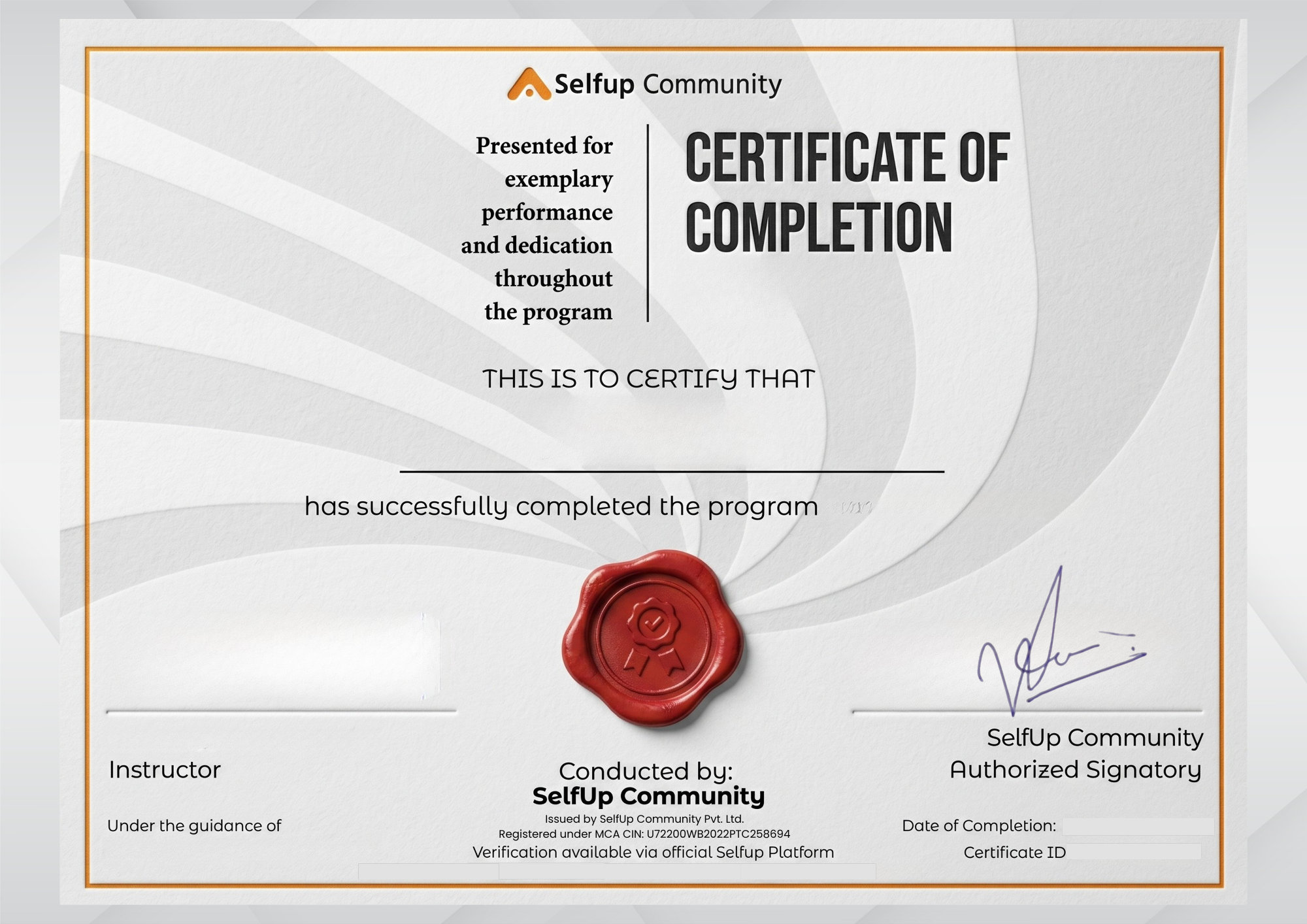
Sharable certificate
Share on social media
Taught in English
Professional instruction available
Introduction to PowerPoint: Overview of the interface, tools, and basic functionalities.
00:15:57Creating and organizing slides: Learn how to structure your presentation effectively.
00:10:37Design basics: Applying themes, colors, and fonts for a professional look.
00:10:32In-depth design techniques: Enhancing visuals with advanced formatting and graphic elements.
00:14:37Multimedia integration: Incorporating images, videos, and audio to enrich your presentation.
00:10:47Animations and transitions: Creating smooth and engaging slide transitions.
00:10:46Interactive elements: Adding hyperlinks, action buttons, and interactive charts.
00:08:02Customizing templates: Tailoring pre-built templates to match your brand or style.
00:10:19Finalizing and presenting: Tips for rehearsal, slide timings, and delivering a compelling presentation.
00:09:17[]
[]
PowerPoint Mastery for Professionals
Self-Paced Course
Hear from learners who transformed their lives through SelfUp



Can't find the answer you're looking for? Please chat to our friendly team.
Get in touch